
-
1
Installing Stich Era Liberty v20
-
Installing the Software 1
-
Installing the Software 2
-
-
2
Setting Up the Software
-
Configuring the Software
-
-
3
Introduction to Design
-
Opening Screen
-
Introduction to the Home Screen
-
The Artwork Screen
-
The Embroidery Screen
-
The Design Screen
-
Sidebar Tools
-
-
4
Designing with Rasterized Images
-
Digitizing with Rasterized Images
-
Digitizing with Low Resolution Images
-
Assembling Design Elements
-
-
5
Designing with Vectors
-
Using Intelligent Stitch
-
Working with Vectors
-
Converting Raster to Vector
-
Using Contours and Knockdown Stitch
-
-
6
Working with Text
-
How to Create Text
-
-
7
Monogramming
-
Monogramming
-
Stitch Era Liberty v20
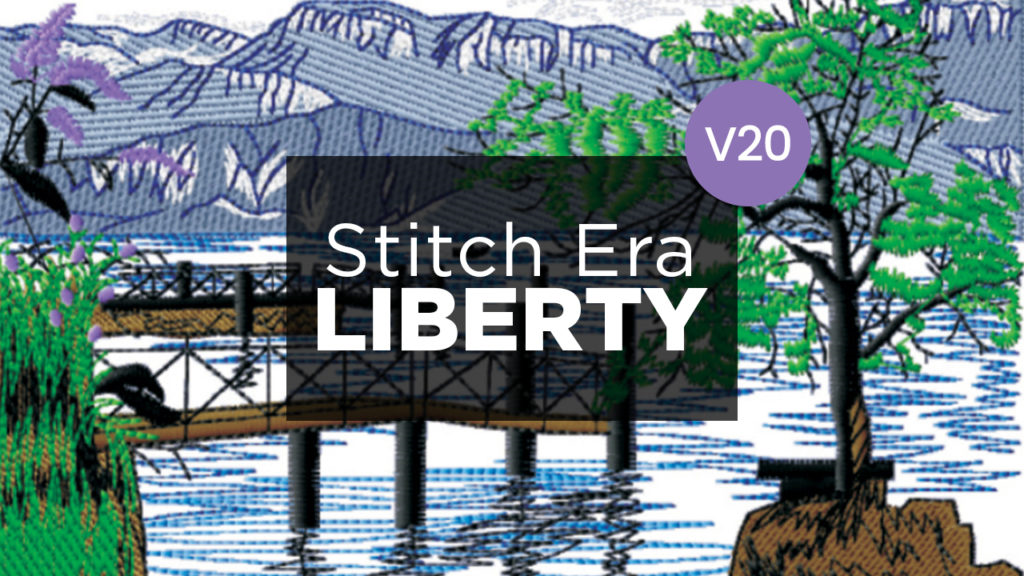
Sierra’s StitchEra Liberty is a full-featured embroidery digitizing software that is part of the Design-Era Suite.
This course is for you if you have purchased Liberty v20 from Colman and Company or received it bundled with your Avancé Commercial Embroidery Machine.
As part of the On-Boarding process, your Customer Care Representative (CCR) will enroll you in the training course(s) you need access to. If you have not gotten in contact with your CCR yet, give them a call at 800-891-1094, and the will get you set-up for success.