
-
1
Machine Set-Up & Introduction
-
Machine Set-Up
-
Leveling the Machine
-
Control Panel Overview
-
The Press Unit
-
-
2
Machine Operation
-
Powering On your Machine
-
Checking the Table after Powering On
-
How to Use the NEW Touch Screen – 2021 Model and Later
-
New Touch Panel Walk Through – 2021 Model and Later
-
Sending a Design to the Machine
-
Selecting a Design from Memory to Run
-
Setting Color Changes
-
Setting the Machine’s Start Point
-
Tracing the Design
-
Running a Design
-
Heat Pressing to a Shirt
-
Programming an Offset for Multiple Runs
-
How To Do a Design Repeat on the Control Panel
-
Deleting Designs from Memory
-
-
3
Miscellaneous Training
-
Removing a Press Unit to Change Size or for Cleaning
-
Loading a Press Unit with Spangle when Punch is Removed
-
-
4
Daily Maintenance
-
Oiling the Punches
-
Cleaning the Table
-
Cleaning the Punch Rollers
-
Cleaning the Bottoms of the Punches
-
The Waste Reels & How to Empty Them
-
-
5
Weekly Maintenance
-
Cleaning the Punches
-
Weekly Oiling of the Punches
-
-
6
Monthly Maintenance
-
Oiling the Color Change Bearings
-
Greasing the Hammer
-
Replacing the Press Unit Guides
-
Cleaning the Tape Sensor
-
-
7
Yearly Maintenance
-
X-Axis Cleaning & Greasing
-
Y-Axis Cleaning & Greasing
-
Greasing the Color Change Gear
-
-
8
Troubleshooting Guides
-
SP Unit 06 Error
-
How to Unjam a Punch
-
Adjusting Table Height for Flipped Spangles
-
How to Jig the Press Units
-
How to Format Machine Memory
-
ProSpangle Self-Paced Training Course
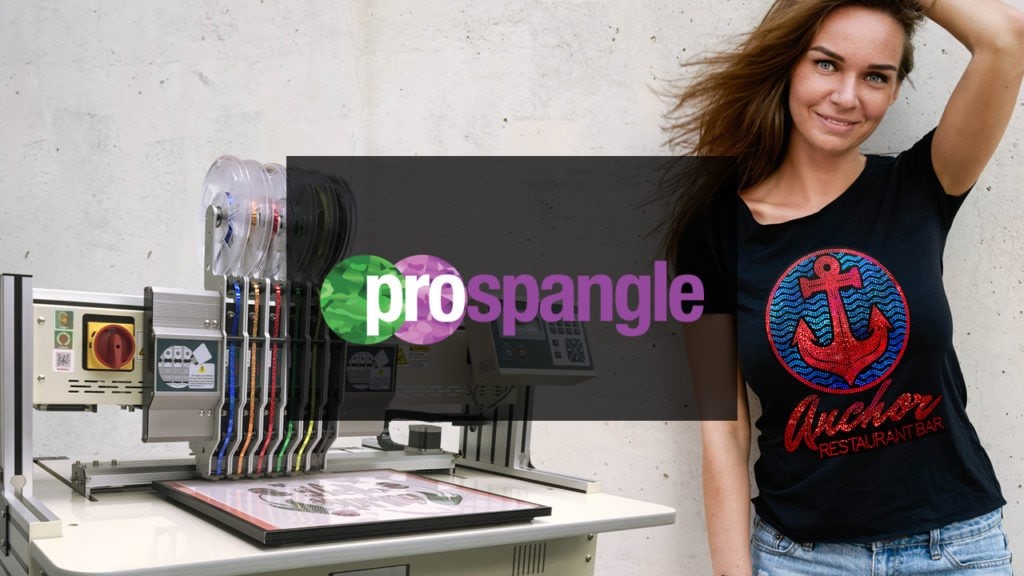
Welcome to the ProSpangle Training Course.
This course was created for you to learn the ProSpangle process at your own pace in your own time.
Each lesson is set up for you to achieve the highest level of success, so make sure you are following along in order. Only move on to the next lesson when you feel you have properly understood the information and can perform each step successfully.
If you have not been enrolled by your ColDesi Customer Care Representative please call 1-800-891-1094 for access.
We do encourage you to complete the entire course before opening a support ticket for one of our Bling support specialists. Please go through each lesson again, because there may have been something you missed the first time, which may answer your question.
Click HERE for additional Support-based self-help videos.
On behalf of the entire ColDesi team, we want to wish you the best of luck on your journey to “Achieving Your Dreams.”
As part of the On-Boarding process, your Customer Care Representative (CCR) will enroll you in the training course(s) you need access to. If you have not gotten in contact with your CCR yet, give them a call at 800-891-1094, and the will get you set-up for success.