
-
1
INITIAL SET-UP
-
Unboxing & Assembling the Machine Stand
-
Unboxing the Printer & Unpacking the Accessories
-
Lifting & Mounting the Printer onto the Stand
-
Removing Protective Tape, Attaching the Gas Shocks & Removing the Table Fixing Plates
-
Mounting & Installing the Waste Tank
-
Connecting the Power Cord & Ethernet Cable
-
Leveling the Machine
-
Powering on the Machine
-
Control Panel Set-Up
-
Installing the Wiper Blade
-
Performing the Initial Ink Charge
-
Emptying the Waste Ink Tank
-
Inserting Ink Cartridges & Performing an Ink Charge
-
Performing a Nozzle Check
-
Performing a Head Cleaning
-
-
2
MAINTENANCE
-
Daily Maintenance
-
-
3
RIP SOFTWARE
-
Installing
-
RIP Overview
-
Understand Queues
-
Queue Functions
-
Bringing in a File
-
Templates for RIP
-
Building Custom Print Modes
-
Setting Ink Cost
-
Topographical Textures
-
Understanding Queue Manager
-
Archiving and Retrieving a File
-
Smart Bar Features and Application
-
Queue Properties Settings
-
Ripping, Previewing, Printing and Reprinting a File
-
-
4
DESIGNER SOFTWARE (Optional Add-On)
-
Designer Interface Overview
-
Designer – Printing Outline and Graphic
-
Blank Size Setting and Adjusting
-
Variable Data and Serialization
-
Custom Primers, Underbases and Clearcoats
-
Clipping a Bitmap in Designer
-
Shapes Tool
-
Zoom or Magnify Tools
-
Generating a Targeted Outline on the UV Bed
-
-
5
WORKING WITH ROTARY ATTACHMENT
-
Rotary Attachment Installation
-
Setting up a Design for Rotary Printing
-
Rotary Attachment Demonstration Video
-
-
6
NEED TO KNOW BASIC
-
Primers and Adhesion for UV
-
Mutoh XpertJet 461UF
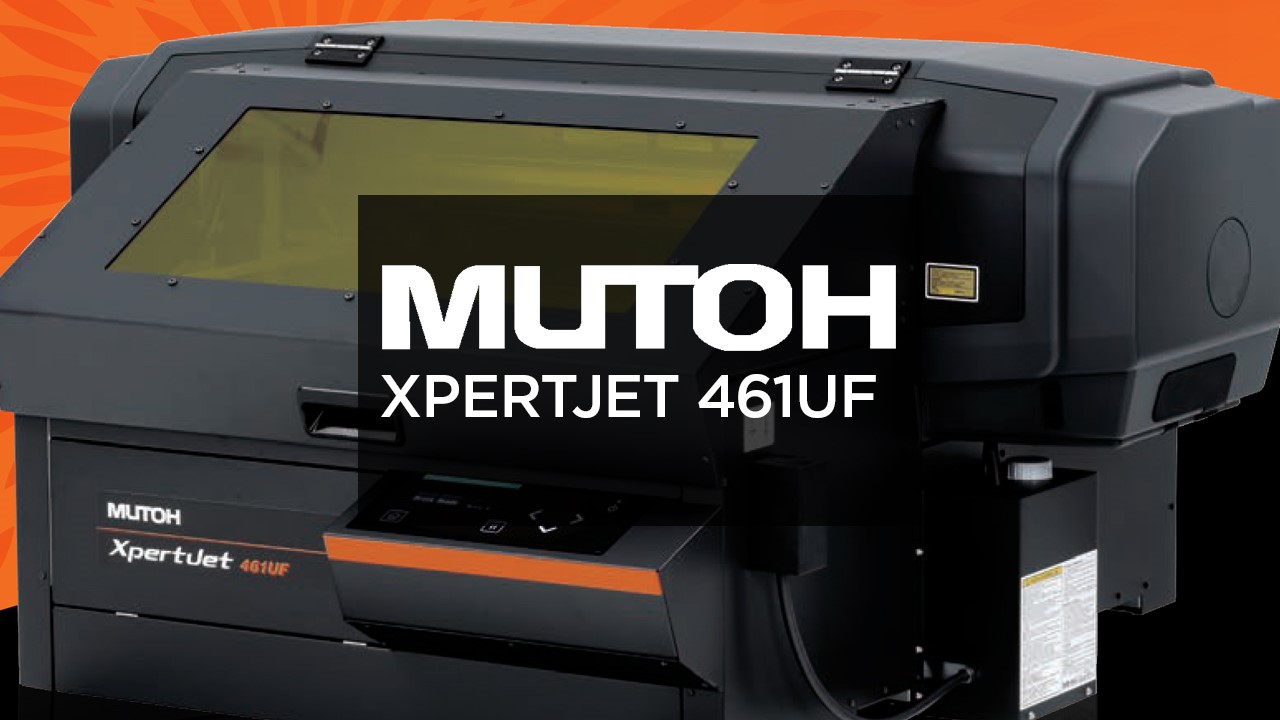
This course is an “introductory set-up” course for your Mutoh ValueJet 426UF printer. This course will take you through the process of unboxing your printer all the way through adding the color inks to your printer.
“Proper training is the best preparation for success.”
Please don’t skip lessons, or ignore details because following the instructions WILL save you time and money. It’s exciting to know you can create your own custom apparel, but trying to figure things out on your own can lead to lots of wasted consumables.
Check back periodically for new and improved lessons within the course.
As part of the On-Boarding process, your Customer Care Representative (CCR) will enroll you in the training course(s) you need access to. If you have not gotten in contact with your CCR yet, give them a call at 800-891-1094, and the will get you set-up for success.