
-
1
Introduction to Training
-
Important Information about Training
-
-
2
PREP
-
Connecting the Waste Bottle, Ethernet and Power Cords
-
G4 Filter Replacement
-
Inserting the Ink Cartridges
-
What is the G4 Vac Platen?
-
Performing a Nozzle Check
-
GUI Overview
-
Performing a Platen Alignment
-
Performing a Head Alignment
-
Direct Connection from Computer
-
-
3
SOFTWARE SET-UP
-
Installing the G4 RIP Software
-
Installing Plug Ins
-
Updating the G4 RIP Software
-
Installing the Printer Package
-
Setting the IP Address
-
Setting Up Job Costing
-
Explaining the Compass System
-
-
4
SOFTWARE OPERATION
-
G4 RIP Pro Software Overview
-
General Features
-
Moving and Copying to Different Queues
-
Canceling Jobs
-
Job Queue and Options
-
Managing Print Modes
-
Managing Print Media
-
Sending files from Photoshop, Illustrator and CorelDraw
-
-
5
ADVANCED SOFTWARE OPERATION
-
Hot Folders
-
Editing Images within the RIP Software
-
Automatic Job Sorter Barcode Setup
-
Spot Color Management
-
Printing Custom-Made White & Highlight Layers
-
Automation using JHDR Files
-
-
6
PRE-TREATING
-
The Importance of Pre-Treating
-
-
7
PRINTING
-
Printing White Ink Only
-
Printing on a White Shirt from the RIP Software
-
Printing on a Colored Shirt from the RIP Software
-
Printing on a Black Shirt from the RIP Software
-
Printing to a PRN File
-
Printing a PRN File Using Direct to Port
-
Printing a PRN File Using a USB Flash Drive
-
-
8
MAINTENANCE
-
Auto-Maintenance Procedures
-
General Maintenance Procedures
-
Cleaning Around the Print Head
-
Cleaning the Encoder Strip
-
Cleaning Out the Spit Boxes
-
Flushing Out the White Ink
-
Using the Wet Cap Accessory (When Needed)
-
Installing and/or Changing the Maintenance Unit Check Valve
-
Advanced Head Cleaning
-
-
9
INTRODUCTION TO GIMP
-
New GIMP File Setup
-
Setting Up Workspace
-
GIMP Tools
-
Removing the Background
-
Adding/Changing Colors
-
Adding Text
-
Testing Resolution
-
-
10
Applications Guides
-
Printing on Hoodies
-
DTG G4 Training Course with RIP Pro Software
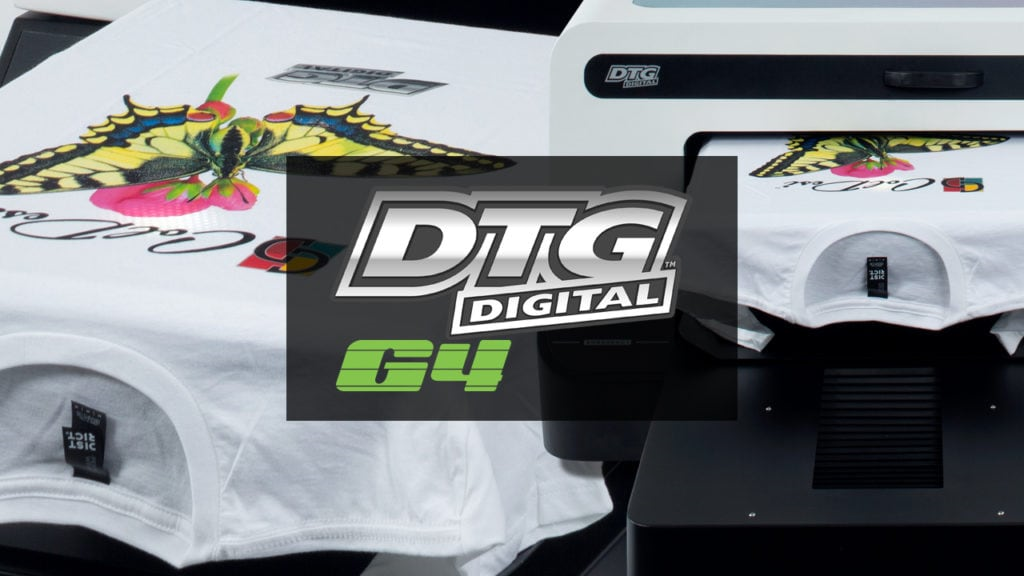
Welcome to the course, and congratulations on your new business and equipment!
The DTG G4 printer system and G4 RIP Software was designed to be easy to use and incredibly versatile. Your first steps to being successful with it start right here with this course.
“Proper training is the best preparation for success.”
Please don’t skip lessons, or ignore details because following the instructions WILL save you time and money. It’s exciting to know you can create your own custom shirts, etc. But trying to figure things out on your own can lead to lots of wasted paper, toner and t-shirts.
As part of the On-Boarding process, your Customer Care Representative (CCR) will enroll you in the training course(s) you need access to. If you have not gotten in contact with your CCR yet, give them a call at 800-891-1094, and the will get you set-up for success.
Important: Please do not power off the G4 OR the Control Panel unless directed by support. It requires power to both to carry out automated maintenance.