
-
1
Receiving Your Printer
-
Uncrating the iUV600s
-
Removing with Forklift
-
Removing Manually
-
What’s Included
-
How to Properly Remove the Rotary Attachment from the Print Bed
-
-
2
Setting Up Your Printer
-
Hardware and Initial Set Up
-
A Look Inside the Machine
-
Intro. to the WIMS System, and Adding Ink and Coolant
-
Printer Start Up and Boot Sequence
-
Performing an Ink Charge
-
Preparing to Print 1-2-3
-
Performing a Nozzle Check and Head Cleaning
-
PF Adjustments
-
-
3
Maintenance
-
Compress Daily Maintenance
-
-
4
Installing and Using the RIP Software
-
Installing
-
RIP Overview
-
Understand Queues
-
Queue Functions
-
Bringing in a File
-
Templates for RIP
-
Building Custom Print Modes
-
Setting Ink Cost
-
Topographical Textures
-
Understanding Queue Manager
-
Archiving and Retrieving a File
-
Smart Bar Features and Application
-
Queue Properties Settings
-
Ripping, Previewing, Printing and Reprinting a File
-
-
5
Using the Designer Software (Optional Add-On)
-
Designer Interface Overview
-
Designer – Printing Outline and Graphic
-
Blank Size Setting and Adjusting
-
Variable Data and Serialization
-
Custom Primers, Underbases and Clearcoats
-
Clipping a Bitmap in Designer
-
Shapes Tool
-
Zoom or Magnify Tools
-
Generating a Targeted Outline on the UV Bed
-
-
6
UV Need to Know Basic
-
Primers and Adhesion for UV
-
Compress iUV600s & iUV1200s
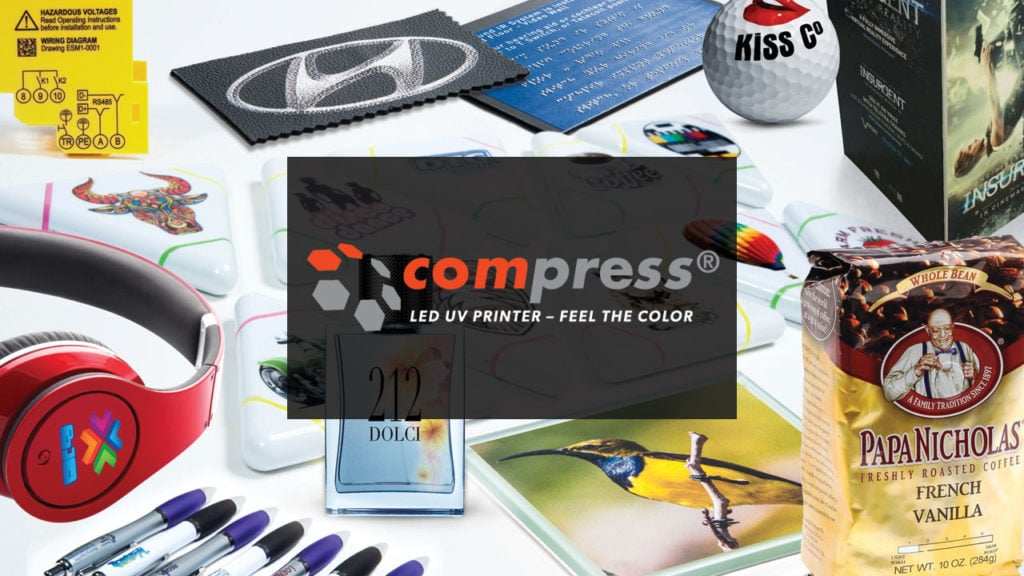
The Compress UV Printer Course will provide you with all the information you need to un box and set up your new Compress iUV600s AND iUV1200s commercial UV printers.
The training videos are branded for the iUV600s, but any differences or variation in the setup procedures for the iUV1200s are indicated in the video and/or print lessons.
Let’s get started on Day 1 of your UV Printer Training – Setting up Your Printer.
As part of the On-Boarding process, your Customer Care Representative (CCR) will enroll you in the training course(s) you need access to. If you have not gotten in contact with your CCR yet, give them a call at 800-891-1094, and the will get you set-up for success.